AI watermark remover
AI looks for superimposed marks, so you can start without drawing a selection.
Use our AI watermark remover to clean up overlaid logos and text in your images. Upload a photo and let AI fill in the background.

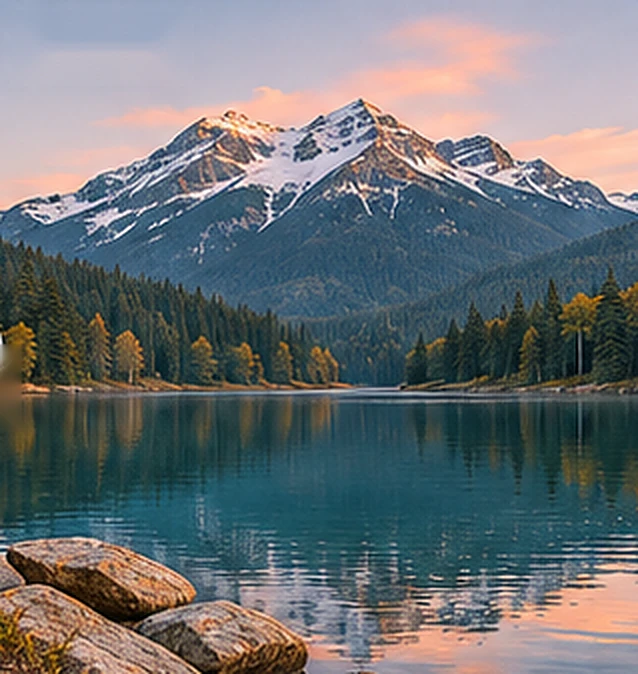
Design demonstration — not a result from this service
Results may change fine details. Review your image before using it.
AI looks for superimposed marks, so you can start without drawing a selection.
AI uses the surrounding scene, texture and lighting to fill the removed area.
Compare the result with your original, then save the edited image.
When an older export is the only version you have, a watermark remover can help clean up an unwanted overlay. Here are a few uses for images you own or have permission to edit.
Clean up a date stamp or caption added to your own photo. Marks across sky or an empty wall may be easier to repair than those covering a face, foliage or fine architectural details.
Remove an outdated promotional overlay from a product photo you own. Before publishing, check that packaging text, product edges and colors still match the item you sell.
Remove a draft label from your own flattened image when the editable file is unavailable. If you still have the source project, hiding the label layer and exporting again will preserve the original detail.
From upload to download in three steps.
Choose one JPG, PNG or WebP image, up to 50 MB.
Click Remove watermark to start. AI processes your image and reconstructs the background.
Review the original and result, then download your edited image.
Explore real processing results for three watermark types, from a coastal landscape to product and interior photos.


The source images were AI-generated with demonstration watermarks. The results were produced by this site’s current watermark removal model, with no manual retouching. Results vary by image; check textures, edges and fine details.
The upload preview at the top is a design illustration. The comparison gallery shows actual model outputs. Results depend on the source image and the watermark.
Images are uploaded for processing by our storage and AI providers. Read our privacy policy before uploading sensitive material. Privacy →
The area covered by a watermark matters as much as its shape. An AI watermark remover builds a replacement from the surrounding picture; it cannot guarantee recovery of the original pixels.
Overlaid words and dates may leave outlines or faint letter shapes after editing. Zoom in around each character, especially where the text crosses an edge or a change in color.
A solid logo hides the scene beneath it. A watermark remover has less information to work with when a large mark covers a face, product detail or lettering, so it may invent details in those areas.
A tiled watermark can overlap much of the image. Check the whole frame for leftover patterns, softened texture and uneven color, rather than checking only the center.
Start with a clear source image, then compare the edited image with your original. A careful review helps you decide whether the result is suitable for its intended use.
Choose the original export instead of a screenshot or a copy saved repeatedly. Upload one JPG, PNG or WebP file up to 50 MB. Keep an untouched copy for comparison.
Look for blurred edges, repeated textures and changes to faces or text. The upload preview crops images to fit its cards, so download the result to check the complete frame.
Check the image again in its final layout. If important details have changed, use the source file or make a manual correction instead of relying on repeated AI edits.
Yes. Guests receive 5 credits per calendar month, enough for one standard edit. Further edits require account credits. Registration rewards and daily check-ins are also available.
No. Large marks, repeated patterns and complex backgrounds can leave artifacts. AI may redraw details. Compare the original and result before using the image.
The model is instructed to keep real-world text such as signs and product labels. It may still make mistakes, so check any important text in the result.
Upload one JPG, PNG or WebP image, up to 50 MB. The current tool does not process videos or batches.
Each standard edit uses 5 credits. Downloads are included. Paid credit packs and subscriptions are listed on the pricing page.
No. This online watermark remover uploads images to cloud storage and sends them to the AI provider for processing. See the privacy policy for details.
Learn AI watermark removal step by step, with real examples, the 50 MB file limit, credit costs, troubleshooting and tips for checking your download.
Read guide →Review AI watermark removal step by step with actual comparisons. Check leftover marks, textures, subject edges, original text and the saved file.
Read guide →